Background Video / Image
Enhance your Shopify store's visual appeal by adding a background video or image. This guide walks you through the steps to implement these elements effectively.
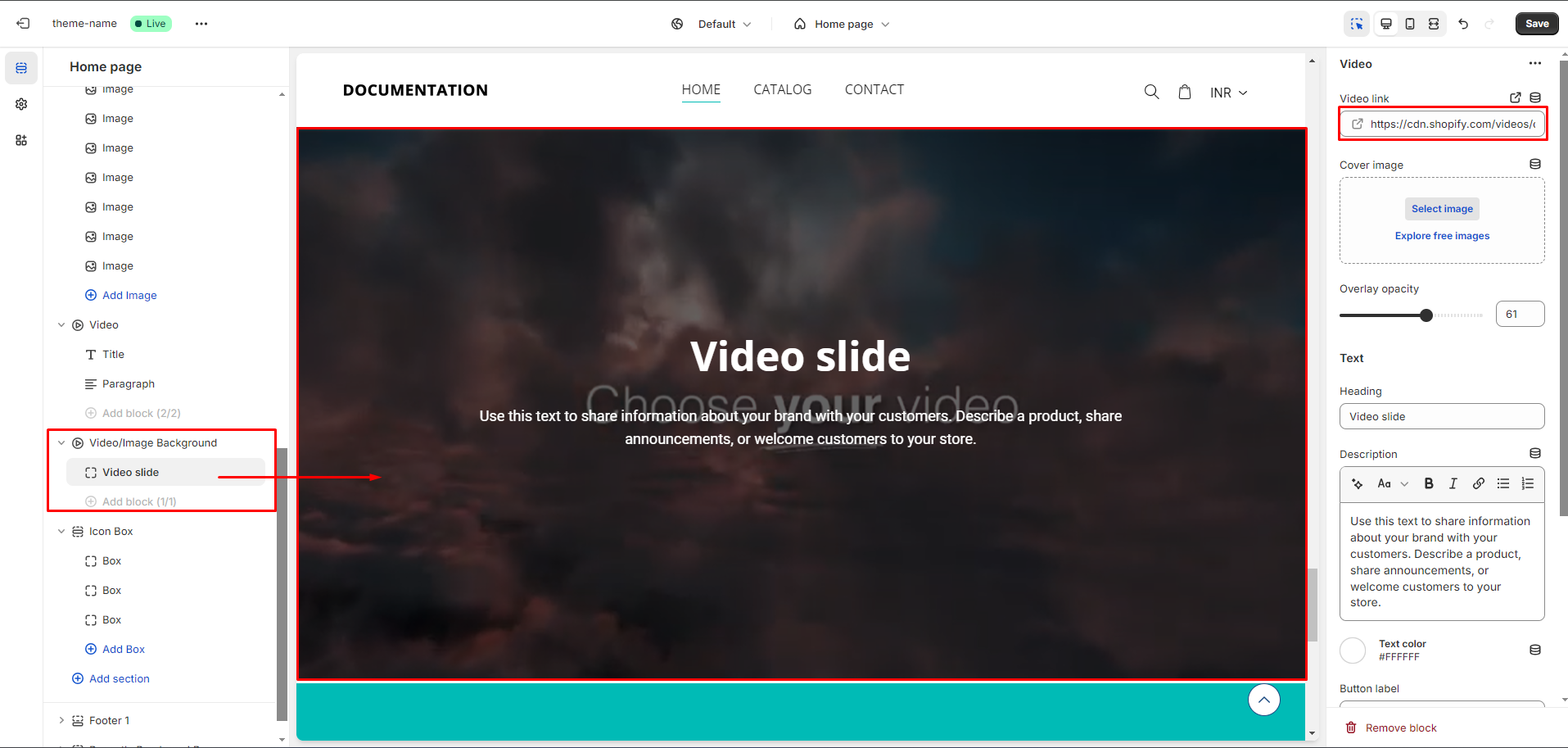
Video BG
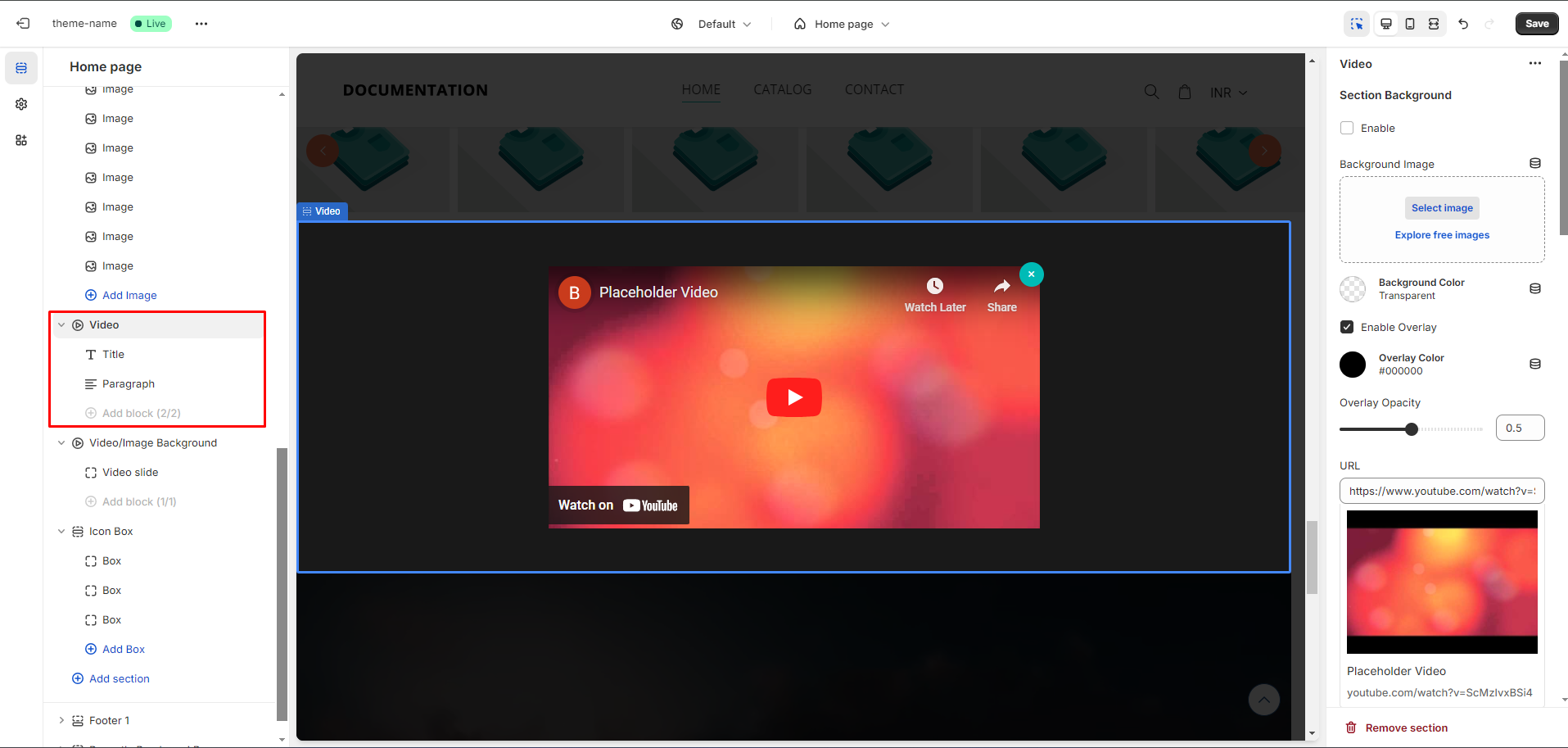
Video Popup
Steps to Add Background Video:
Upload the Video:
- Go to Settings > Files in your Shopify admin.
- Upload your video file.
Prepare Your Video:
- Optimize the video for web use to reduce loading times.
- Upload video and get url
Add Video URL:
- In your theme editor, locate the section where you want to add the video.
- Add the video URL to the designated field, usually labeled Video link.