Icon Box
The Icon Box feature in the TurboBids Shopify theme is designed to highlight key information or benefits with visually appealing icons and text. This feature is perfect for showcasing unique selling points, services, or any other important details you want to emphasize on your site.
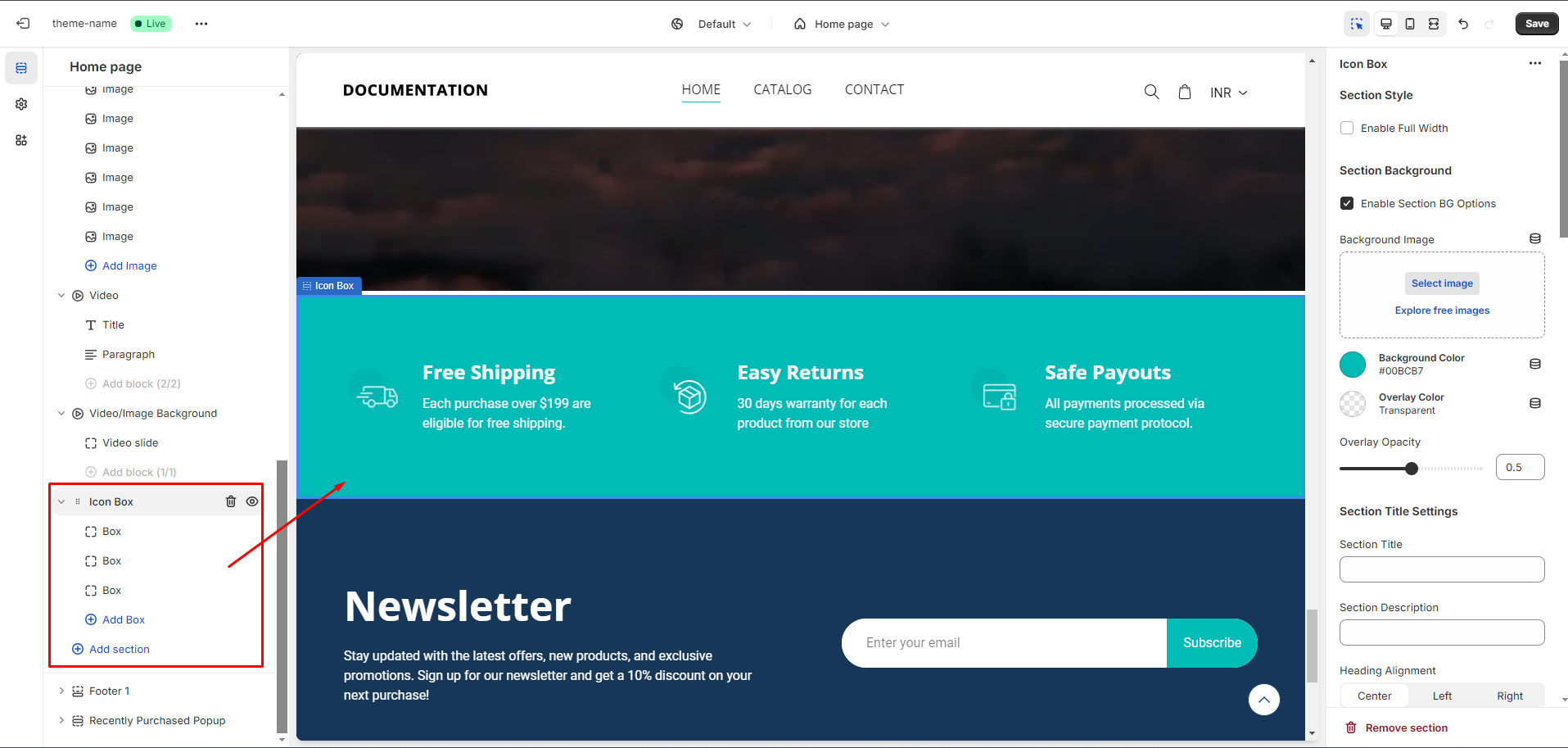
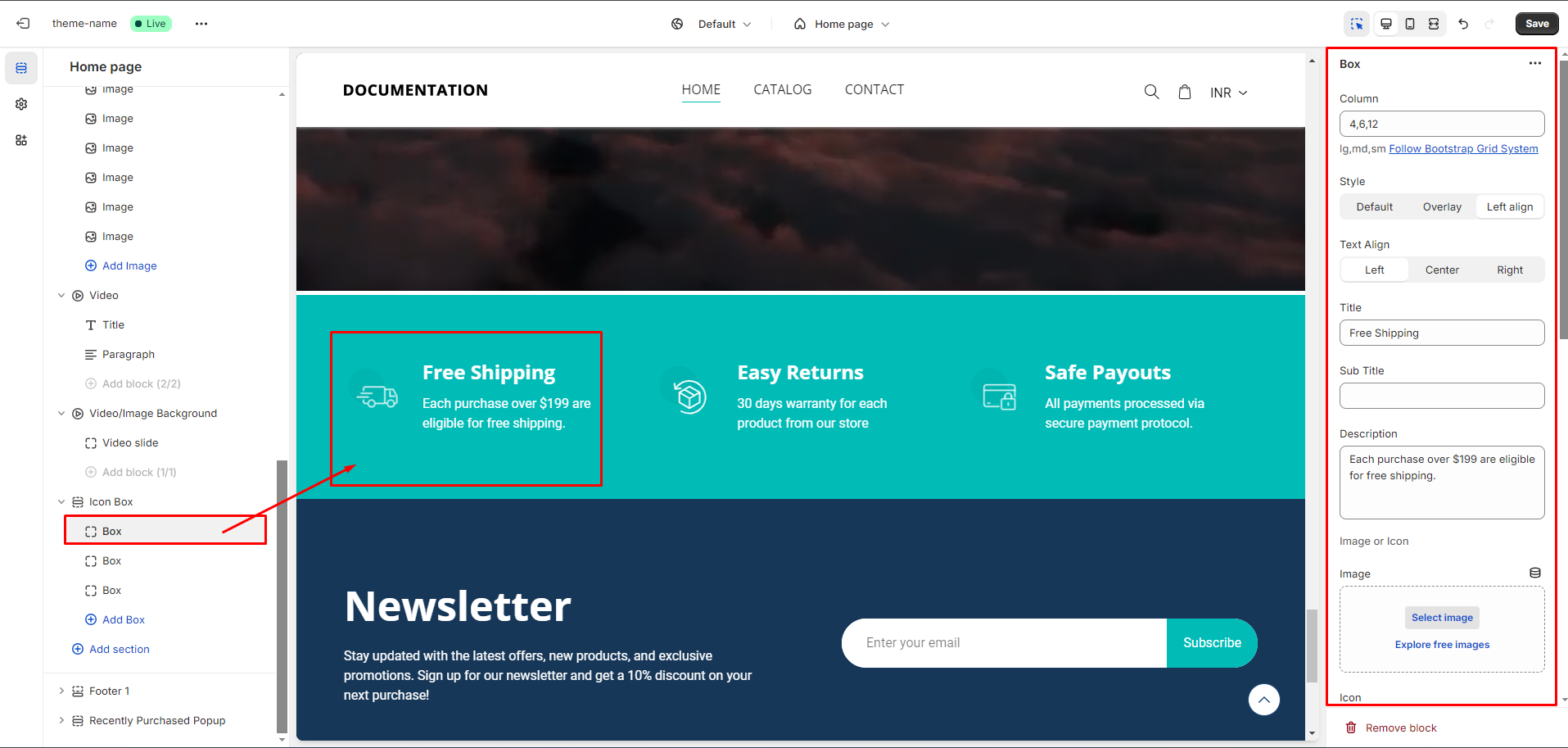
Key Components:
Icon: A visually appealing image or icon that represents the feature or benefit.
Title: A brief, attention-grabbing headline.
Subtitle: An optional subheadline for additional context.
Description: A short paragraph that provides more detail about the feature or benefit.
How to Customize:Access the Icon Box Section:
Navigate to your Shopify admin panel.
Go to Online Store > Themes > Customize.
Find the Icon Box section in the theme editor.
Edit Icon:
Click on the icon box you wish to edit.
Upload a new icon image or select one from the theme's library.
Edit Text:
Enter the desired title, subtitle, and description in the provided fields.
Style Customization:
Adjust colors, fonts, and layouts to match your brand's identity.
These options can be found under the Theme Settings > Typography and Colors sections.